Field service software pricing is usually quoted as a monthly fee per user, but the list price alone does not set the total cost. If setup, migration of old data, training, support and ERP integration are billed separately, the real budget can look very different.
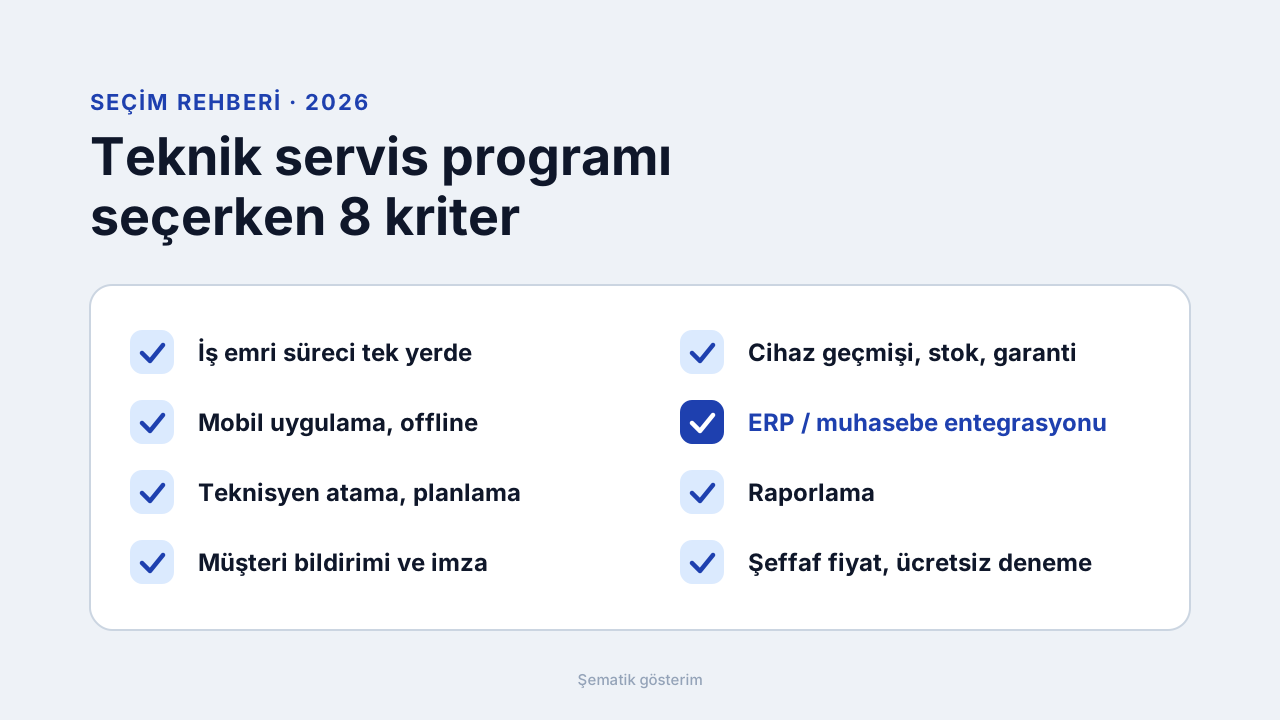
This article covers the pricing models, the 8 items that set the total cost and an example calculation by user count. FieldCo's prices are stated openly too. To see how to choose, read the buyer's guide; for the current plan list see the pricing page.
Short Answer: How Much Does It Cost?
FieldCo is priced per user. Basic is €18 per user per month and Pro is €26. You start from 3 users on an annual contract. Enterprise is quoted on request. You can try it free for 14 days with no credit card. There is no setup fee and your existing data is migrated for free.
Other products may use different pricing models, so compare quotes on the same items; we do that step by step below.
Pricing Models: How Field Service Software Is Priced
1. Monthly (or annual) fee per user. The most common model. Cost grows linearly with the team and is easy to calculate. Watch for the minimum user count and contract length.
2. Separate prices for technicians and office users. A mobile user in the field and a manager in the office may be priced differently. Count up front how many users of each type you need.
3. Pricing by work order or transaction volume. What you pay changes with the number of work orders. It can suit businesses with uneven workload, but the monthly bill becomes hard to predict.
4. Pricing by module. The base package looks cheap, then inventory, reporting and integrations are added separately. Make sure every module you need is written into the quote.
5. One-time license plus annual maintenance. The upfront cost is high; updates, support and mobile app maintenance depend on the yearly fee. Calculate the three-year total.
Which one fits depends on your team size and work order volume. What matters most is comparing quotes for the same number of users and the same period.
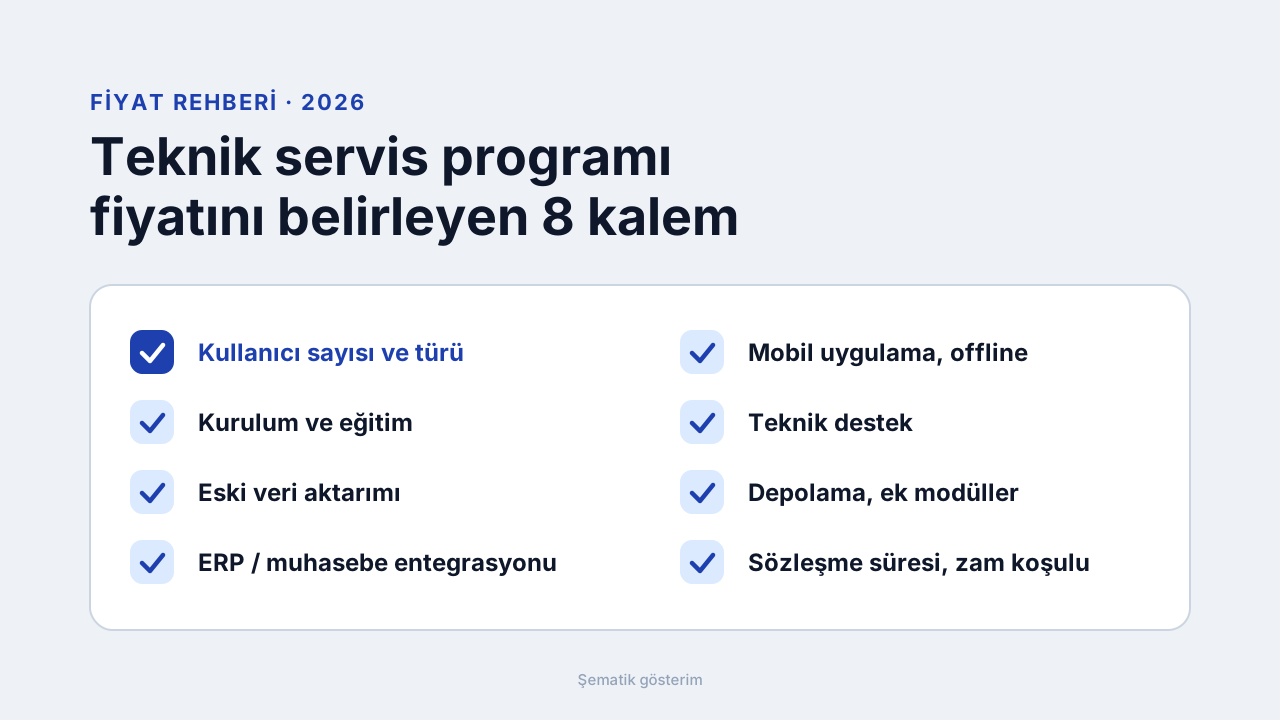
The 8 Items That Set the Total Cost
1. User count and type. How many technicians and office users? Is there a minimum user count?
2. Setup and training. Paid or included? FieldCo has no setup fee, and setup and training support are included in Basic.
3. Migration of old data. If your customer, device and contract records are in Excel or an old program, ask whether migration is paid. At FieldCo it is free.
4. ERP and accounting integration. In some products integration is priced as a separate project. At FieldCo, ERP integration is included in Pro and works with 30+ ERP and commercial packages.
5. Mobile app and offline work. Is the mobile app included in the user fee or separate? Does it work without internet?
6. Technical support. Are phone, email and remote support free or a package? At FieldCo support is free on all plans.
7. Storage, report templates and extra modules. Photo and document storage limits, the number of report templates and modules such as inventory vary by plan. FieldCo Basic has 50 GB and 20 report templates, Pro has 100 GB and 50.
8. Contract length and renewal terms. Annual or multi-year? How is the price increase set at renewal?
Example Calculation: Monthly and Annual Cost with FieldCo
The figures below are the list price multiplied by the number of users; no setup fee is added.
Basic (€18 per user):
3 users: €54 / month, €648 / year
5 users: €90 / month, €1,080 / year
10 users: €180 / month, €2,160 / year
Pro (€26 per user):
3 users: €78 / month, €936 / year
5 users: €130 / month, €1,560 / year
10 users: €260 / month, €3,120 / year
For the current list prices see the pricing page.
Basic or Pro? What the Price Difference Buys
Pro costs €8 more per user per month than Basic. For that you get ERP integration, inventory management, multi-branch and sub-service management, customizable forms, 50 report templates, 100 GB storage and priority support.
If you do not need an ERP connection, inventory tracking or multiple branches, Basic is enough; for small teams see simple field service software. If you want to end double data entry with your ERP or accounting system, look at Pro: field service software with ERP integration.
6 Questions to Ask When Comparing Quotes
1. For how many users and which period is the price quoted?
2. Are setup, training and data migration included?
3. Are the mobile app and offline work included in the user fee?
4. Is ERP or accounting integration priced separately?
5. Is support free, and through which channels?
6. How is the price increase at renewal set, and what are the exit terms?
Compare the Software Cost with Your Own Cost
The price of the software means little on its own; measure what it replaces. During the trial, look at this: how much time does a technician spend filling in forms and re-entering them in the office? How many work orders a month get lost or turn into repeat visits because of missing information? How heavy is the customer phone traffic? These figures are specific to your business; a reliable calculation is not possible without trying the software with your own work orders.
Frequently Asked Questions
How much does field service software cost? FieldCo Basic is €18 per user per month and Pro is €26. You start from 3 users on an annual contract. Enterprise is quoted on request.
Is field service software free? FieldCo is not free; it offers a 14-day free trial with no credit card.
Is there a setup fee? FieldCo has no setup fee; the setup team migrates your existing customer, product and contract data for free.
How many users do I need to start? Basic and Pro start from a minimum of 3 users.
What is the difference between Basic and Pro? Pro adds ERP integration, inventory management, multi-branch, customizable forms, 50 report templates and priority support. The difference is €8 per user per month.
What does the price depend on? User count, setup and data migration, ERP integration, the mobile app, support, storage and contract terms determine the total cost.
Which plan is enough for a small service business? If you do not need an ERP connection, inventory tracking or multiple branches, Basic is enough.
Conclusion: Try First, Then Calculate
The sound way is to start with 3 users, try the software for 14 days with your own work orders and then compare quotes on the same items.
Request a demo →
More: Pricing · Buyer's guide to the best field service software
MÇ
Metin Çelik
Founder & CEO — FieldCo / MOBIM Software
Metin Çelik founded MOBIM Software in 2002 and has spent 24 years in field service management, helping 350+ companies digitalise their field operations.