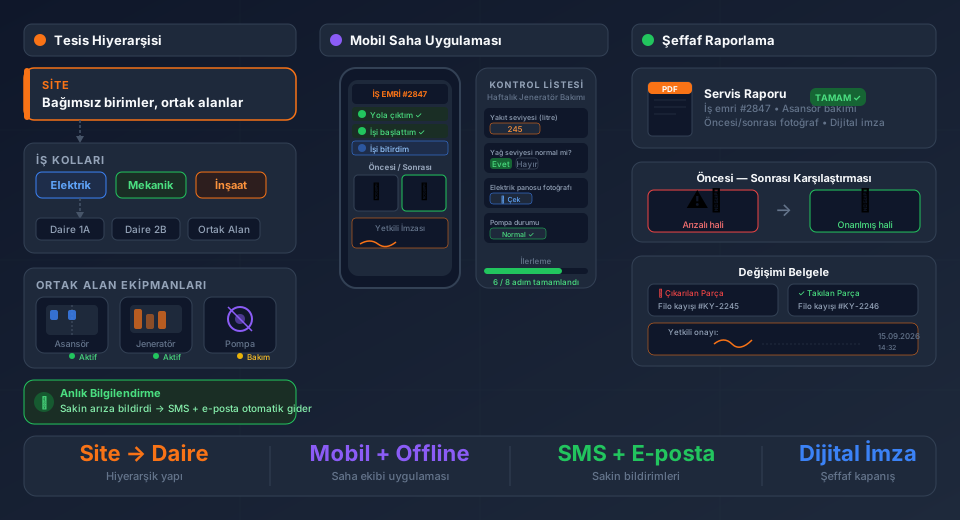
Dozens of field service management tools promise the same features: work orders, mobile apps, reporting. So how do you choose the right one?
Drawing on 24 years of industry experience, this guide covers the 7 most common mistakes made when choosing the wrong software — and how to evaluate each criterion properly.
1. Does It Work Offline?
Field technicians don't always have internet access. Basements, factories, and open areas can lose signal at any time.
Questions to ask:
- Can forms be filled without internet?
- Can photos be attached offline?
- Does data sync automatically when the connection returns?
Software without offline support will paralyze your field team. This criterion earns the top spot on every checklist.
2. Is the ERP Integration Real — or Just a Promise?
Many tools that claim "ERP integration" actually only offer Excel import/export. Real integration means:
- Customer and product records are automatically pulled from ERP
- Cost items are automatically pushed to ERP when a work order closes
- Inventory movements update bidirectionally
- Sync runs automatically every 10–15 minutes
Look for solutions with ready-made integrations for SAP, Logo Tiger, Netsis, Mikro, Nebim, and similar systems. Be wary of "custom development" promises — they consume time and budget.
3. Is the Mobile App Native or Web-Based?
Two types of mobile access exist:
Native app (Android/iOS): Direct access to the device camera, GPS, and file system. Works offline. Faster.
Web-based mobile: Opens in a browser. Typically no offline mode. Limited camera and GPS integration.
If your technicians are in the field, choose a native app.
4. Is the Pricing Model Sustainable?
Common pricing traps in FSM software:
- Per-user fee + per-module add-ons: The price for 5 users can triple in practice
- Setup and data migration fees: Billed separately
- ERP integration surcharge: "Integration included" comes with an asterisk
- No cap on annual price increases: 30–50% hikes at renewal are common
Transparent pricing means a fixed monthly per-user fee, no extra module costs, and integrations included.
5. Is There Local Support for Your Market?
Foreign tools can look attractive, but they often struggle with market-specific requirements:
- Local accounting software integrations
- Localized invoicing and compliance requirements
- Support in your local language
- Local legal and regulatory reporting
Choosing a local vendor eliminates these risks upfront.
6. Does the Vendor Have Experience in Your Industry?
An HVAC company's needs differ from a medical device company's. The right software:
- Offers work order templates tailored to your industry
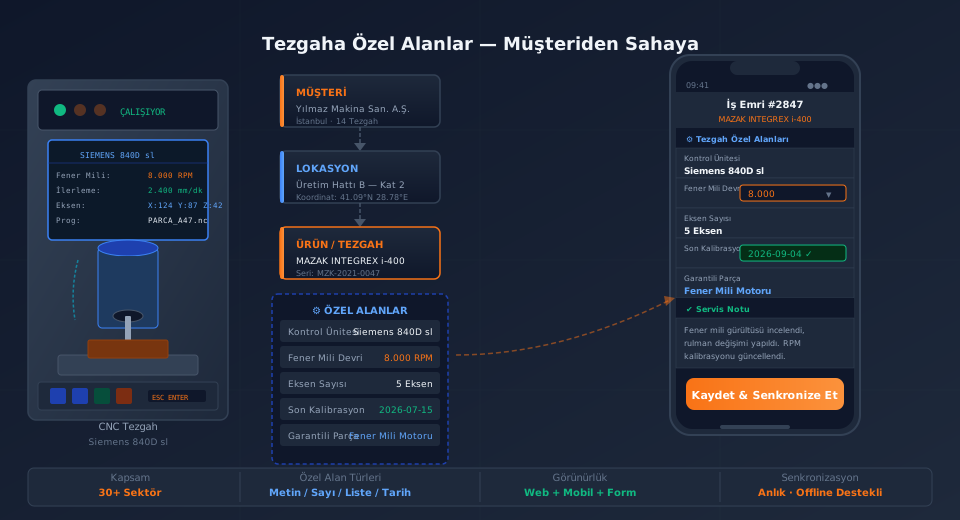
- Includes industry-specific modules (maintenance scheduling, warranty tracking, calibration)
- Can show reference customers from your sector
During demos, describe your own workflow and see how the software adapts to it.
7. Can It Scale From 3 Users to 300?
Today you have 5 technicians. In 2 years you may have 50. Some tools work fine at small scale but struggle as you grow:
- Performance degrades
- No multi-branch or multi-warehouse support
- No sub-service or dealer management
- No API for custom integrations
Verify that your chosen software matches your growth plan.
Conclusion: Make the Decision by Asking the Right Questions
Choosing field service management software is a long-term decision. The wrong choice leads to data loss, team resistance, and costly migrations.
Use these 7 criteria as a checklist and ask the same questions at every demo. When you compare the answers, the right choice becomes clear.
Try FieldCo free for 14 days — no credit card required.
MÇ
Metin Çelik
Founder & CEO — FieldCo / MOBIM Software
Metin Çelik founded MOBIM Software in 2002 and has spent 24 years in field service management, helping 350+ companies digitalise their field operations.